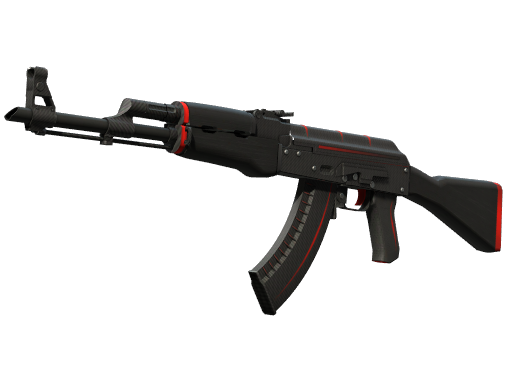
Explore best offers for popular items
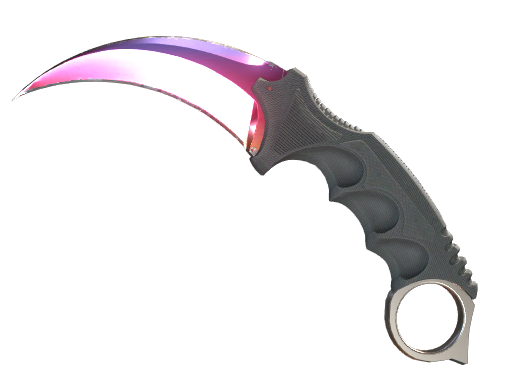
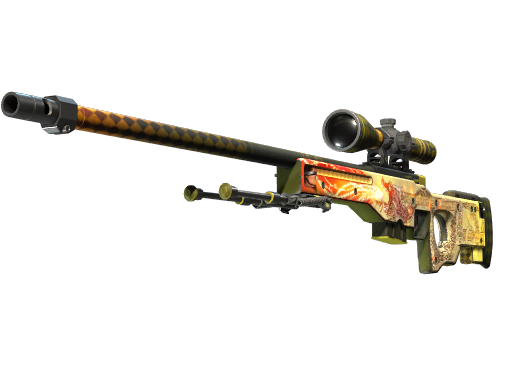


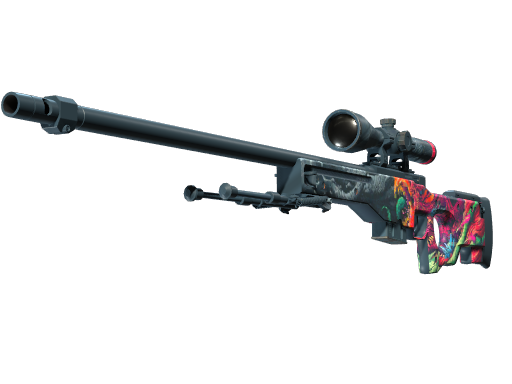
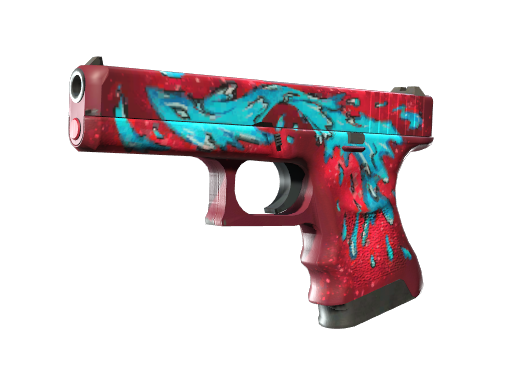
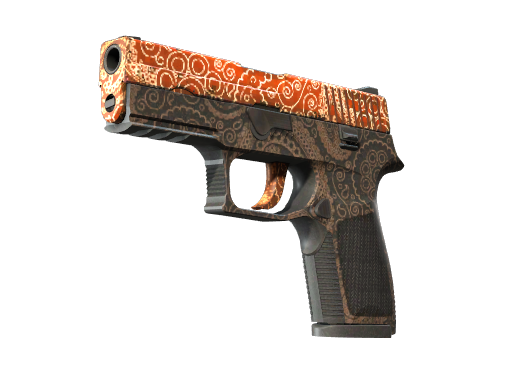
Counter-Strike
SKINS
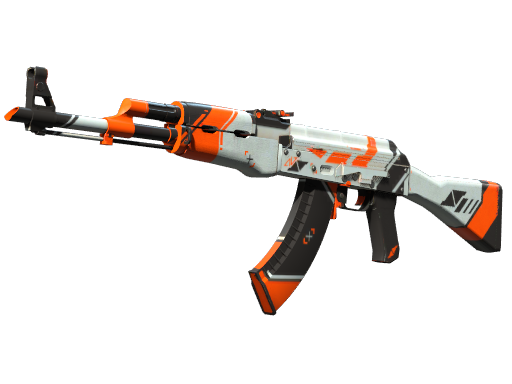
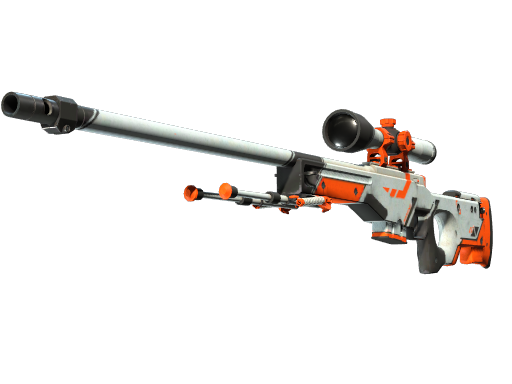
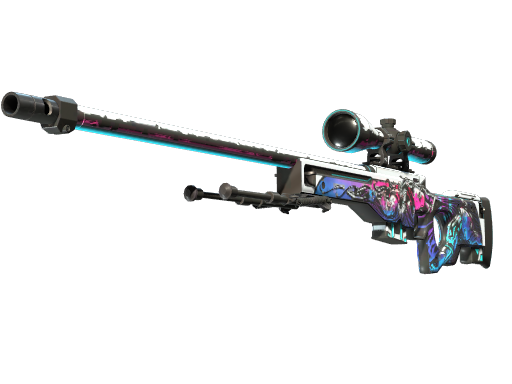
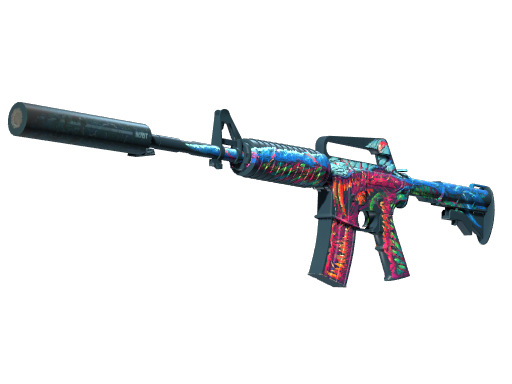
Dota
SKINS



Rust
SKINS




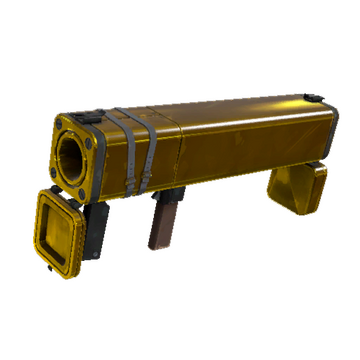
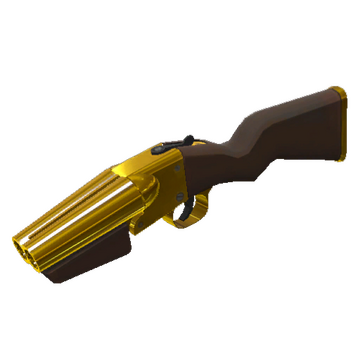
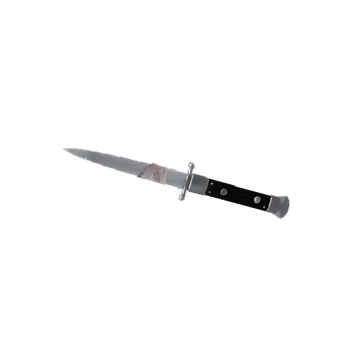
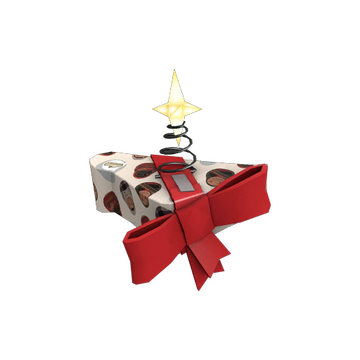
Team Fortress
SKINS

Frequently
asked
questions
Everything you need to know about buying skins on Skins Empire. Can't find an answer?
View all FAQsHow old do I have to be to use Skins Empire?
You must be at least 18 years old to create a Skins Empire account and buy skins.
What should I do if my payment was declined?
Double-check your card details, available balance, and that 3-D Secure is enabled. If it still fails, try another card or contact your bank — most declines come from issuer-side fraud rules.
Where can I find my purchased items?
After successful payment, track your order on the Orders page. Tradable items are delivered to your Steam account via your Trade URL.
I accidentally bought the wrong item — can I get a refund?
Digital items are generally non-refundable once the order is accepted, especially after delivery to Steam. See our Refund Policy for exceptions (e.g. our error, duplicate charge, or inability to fulfil).
How do I contact support?
Email info@skins-empire.com and include your order number and account email.